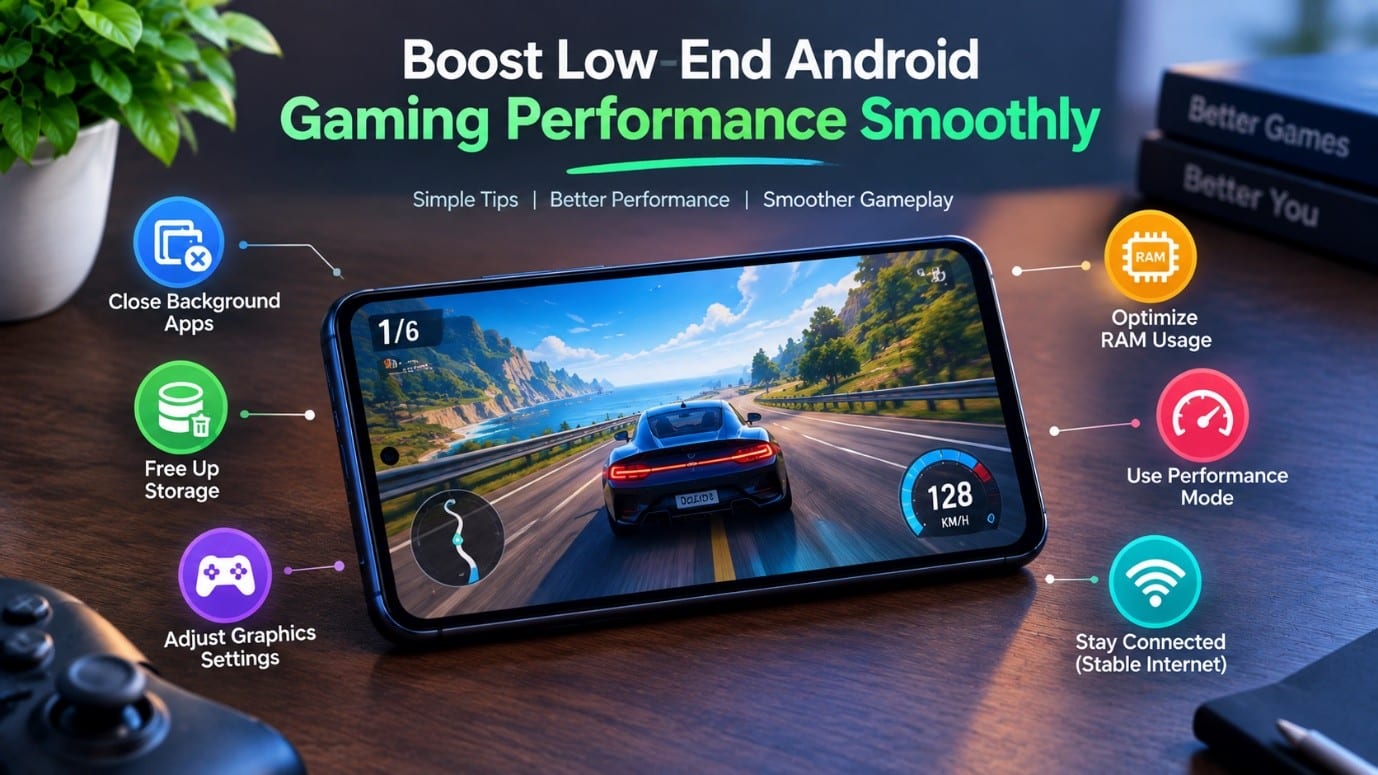
Gaming on a Budget Android Device Doesn’t Always Have To Be Slow Just make some adjustments in settings and perform some basic maintenance, and games will surely run much more smoothly. Running low-end Android games on budget devices can be tough, especially if it’s got less space, processing power, and RAM. However, these simple steps will improve the game performance.
Close Unnecessary Background Apps
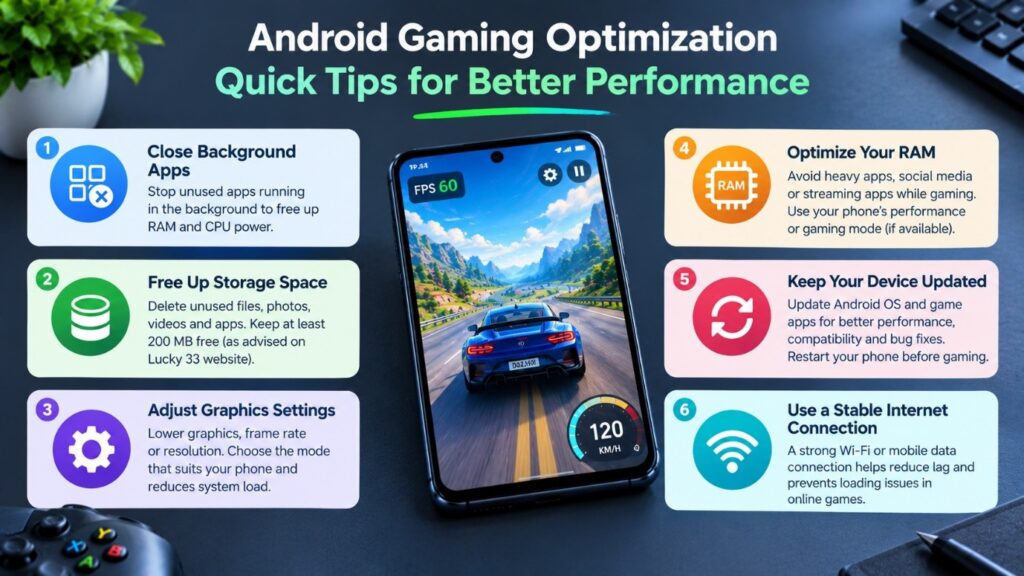
All system apps from above take RAM and CPU power in the background, which you are not utilizing. Before you start your game, remember to close all the other apps you are not using that might free up the device’s resources and improve Android gaming performance on your phone if you don’t have much RAM.
Free Up Storage Space
A phone with very little free storage space may start to lag or run slowly. Unneeded photos, videos, downloads, and apps should be deleted frequently. A device with more free space will have the operating system and gaming apps running more smoothly.
On the Lucky 33 website, it is advised to have at least 200 MB of free storage when installing Lucky 33 APKs. Having extra free storage can be useful for temporary data and game assets.
Adjust Gaming Performance Settings
Graphics settings decrease is an easy and effective way to improve gaming for older phones. Select the mode that least taxes your phone if the game has graphics, frame rate, resolution, or animation options.
In the case of gaming performance, stress stability over maximum graphics quality. The performance can be improved by disabling the high system load effects.
Optimize Your Android Device
Another major component of Android game optimization is simply regular device maintenance. Keep the Android OS and your game apps current with available compatible updates. Developers often push out updates for apps to improve performance, enhance app compatibility, and fix bugs.
Before a significant gaming session, restart the phone to clear any short-term processes and waste and give the system more available resources.
Tips for Low RAM Gaming
When you are gaming with limited RAM resources, you need to exercise prudence with other resources. Do not keep multiple resource-hungry apps running while playing a game. Applications such as social media platforms, video streaming platforms, or any apps that consume heavy processing power could conflict with the gaming apps for more memory.
If your phone has a performance or gaming mode, you can try it to see if it enhances the game experience. Just be wary of modes that cause too much heating or power consumption.
Use a Stable Internet Connection
Online games require a solid internet connection. As with online gaming in general, a weak or unstable internet connection can cause loading issues and lag that may lead to items seeming malfunctioning.
According to the provider’s Lucky 33 website, lagging can be a problem when the connection to the Internet is slow. A strong Wi-Fi or mobile data connection can help cut down on lag when playing online.
Conclusion
Based on the provided Lucky 33 website material, we see that the game should function well on sluggish gadgets and on a typical 4G network. As you will read in the evaluation section of this short article, bad internet connection and inundated phone memory can result in lagging, hanging, or crashing. Having storage space available, remaining on a stable connection, shutting down other programs, and keeping the app up-to-date can all contribute to a smoother experience.